How to: Modify Game Duration
With this guide you will learn how to modify your game duration.
Modify Game Duration Time
Login to the Game Manager using one of the following logins.
UN: manager
PW: manager1

There should be a quick access link to your game manager on the desktop. If not, open any browser on the laser tag pc and type in localhost/login.
- Locate Control Panel at the top.
- Select Game Setup on the left.
- Once here, select the game mode you would like to modify and on the right side edit the 'Game Length'.
- Game length is done in seconds. Once modified remember to Save.
- If the time did not take effect on the next play through, restart your Delta Strike Game Server.
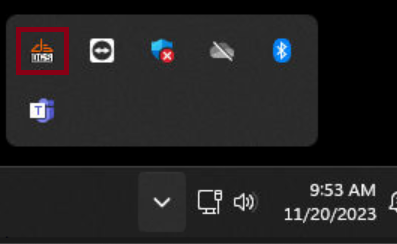
Anytime the server is minimized you can reopen it by locating it on the taskbar. This is shown in two locations.

To restart the server, open your game server and select Shut Down Server.

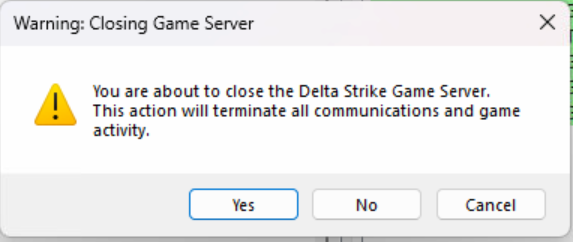
Once selected a pop up box will appear, select Yes.