
How to: Replace hose cable
This will walk you through on how to replace the Genesis Phaser hose cable.
1. Power off the phaser. Remove rubber nose from phaser. Loosen 6 screws from bottom of phaser. Remove top piece of phaser.
2. Unplug all cables from the mainboard and set the board to the side. Locate the power hose cable.
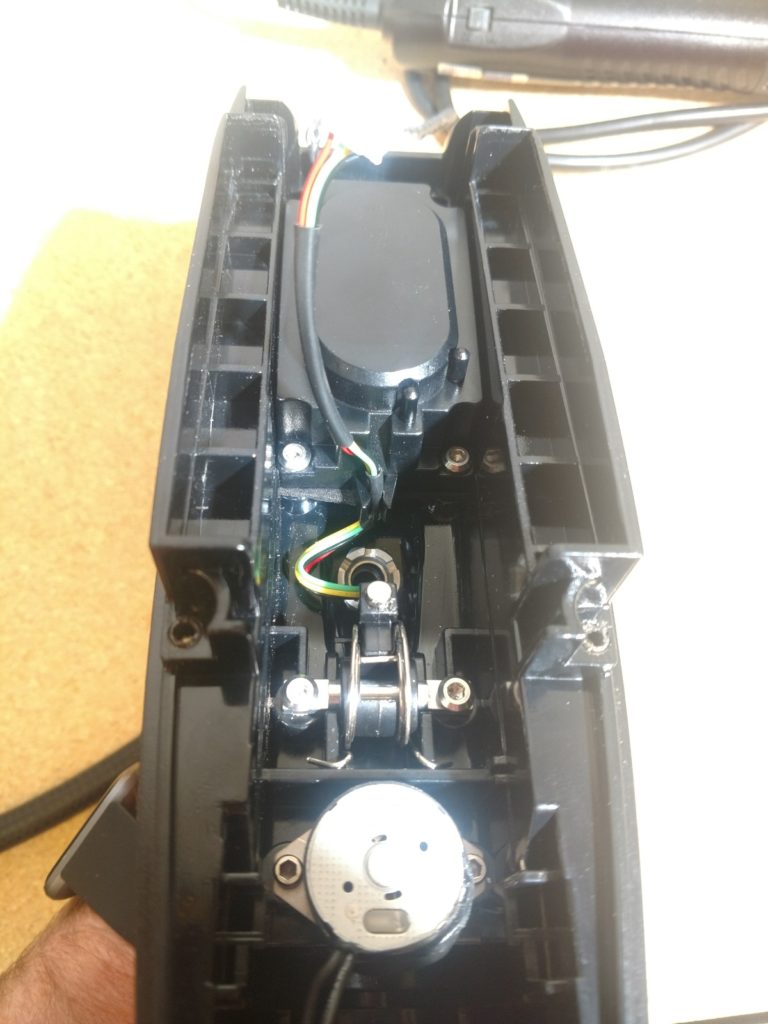
Note : Separate power cable from speaker if you have not done so already.
3. Using a flat head screwdriver, insert in between the grooves on the nut. Slowly and carefully apply pressure and turn nut until fully unthreaded.
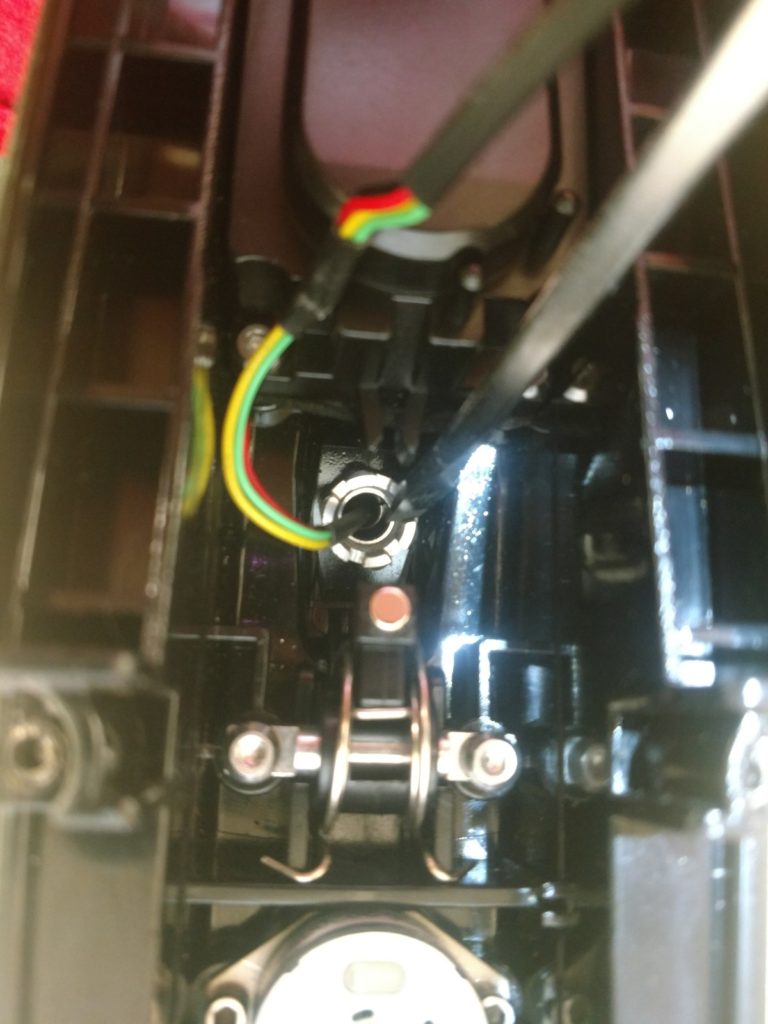
4. Bring nut towards cable connector and slide off. Turn cable connector sideways to remove easier.
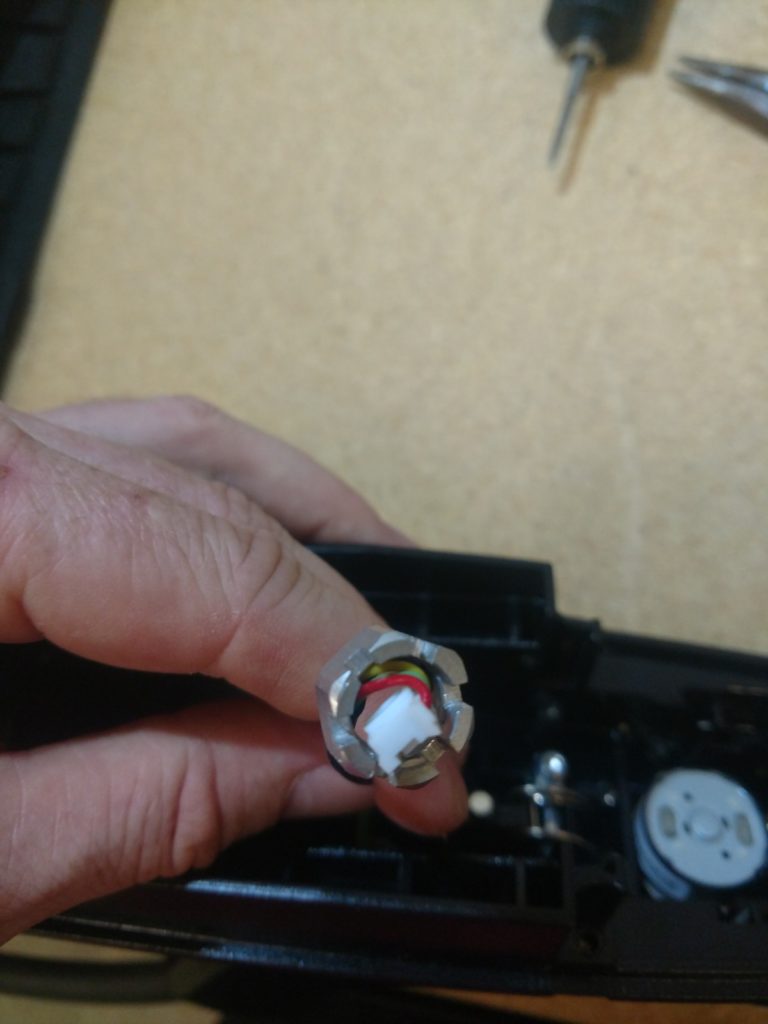
5. Slide hose out of phaser casing.
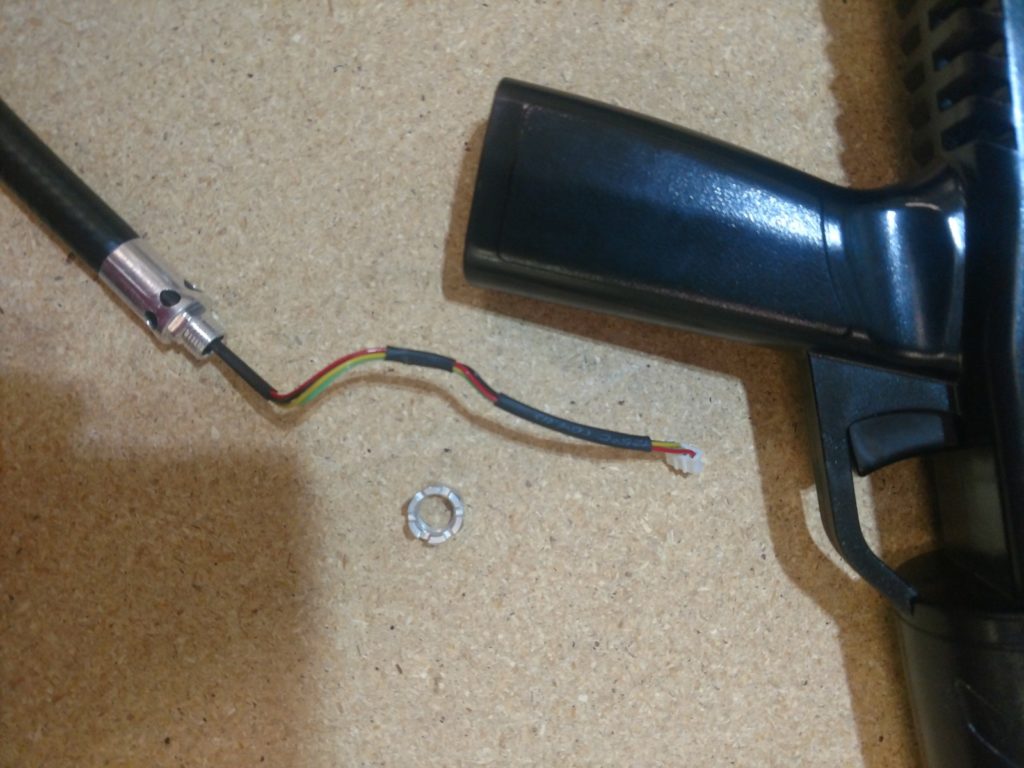
6. Loosen 4 screws from back plate. Open front sensor casing and remove PCB out of the vest.
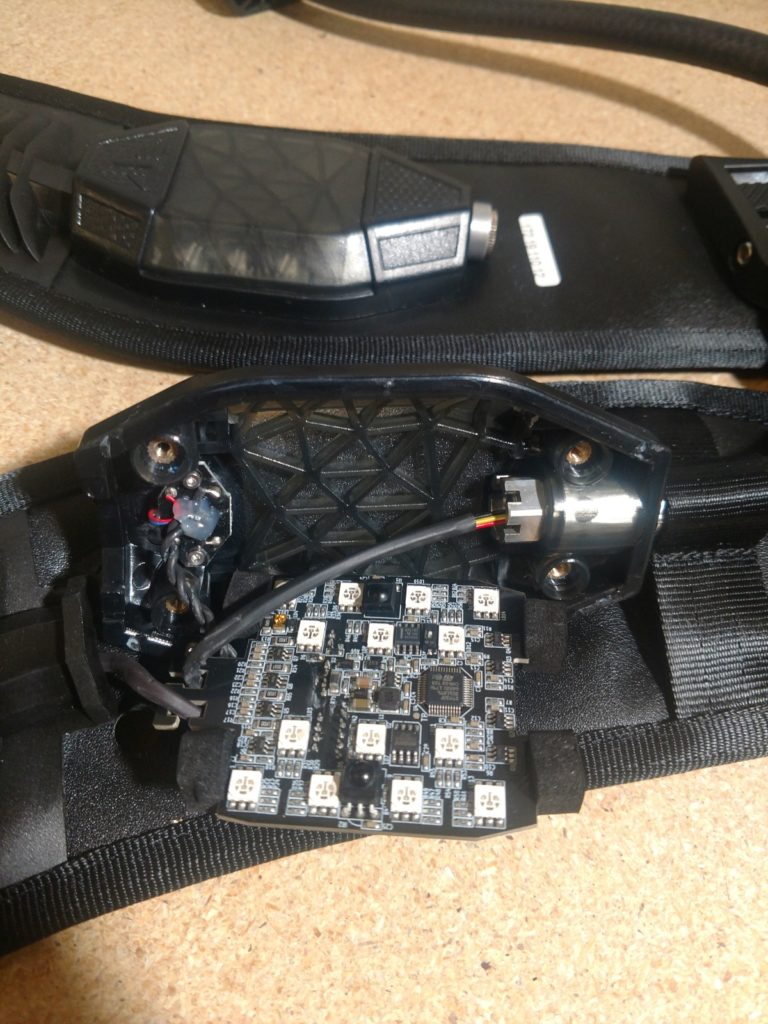
7. Using pliers or flat head screwdriver, grasp the nut and start unscrewing it.
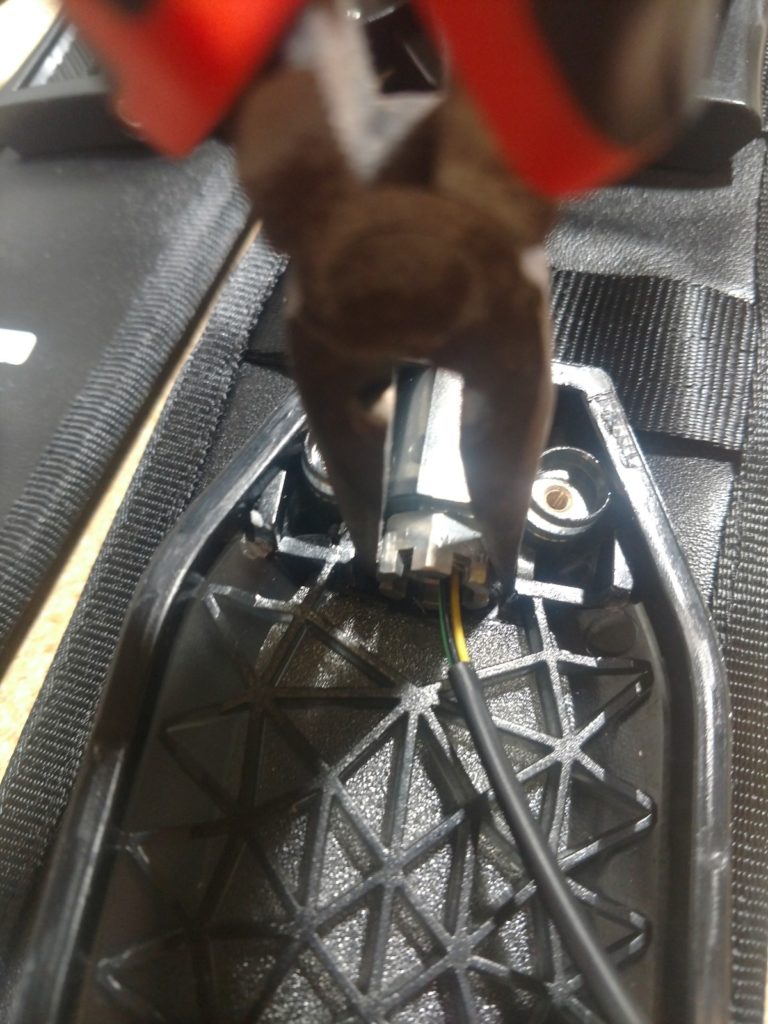
8. Slide nut off of power cable. Turn connector sideways to remove easier.
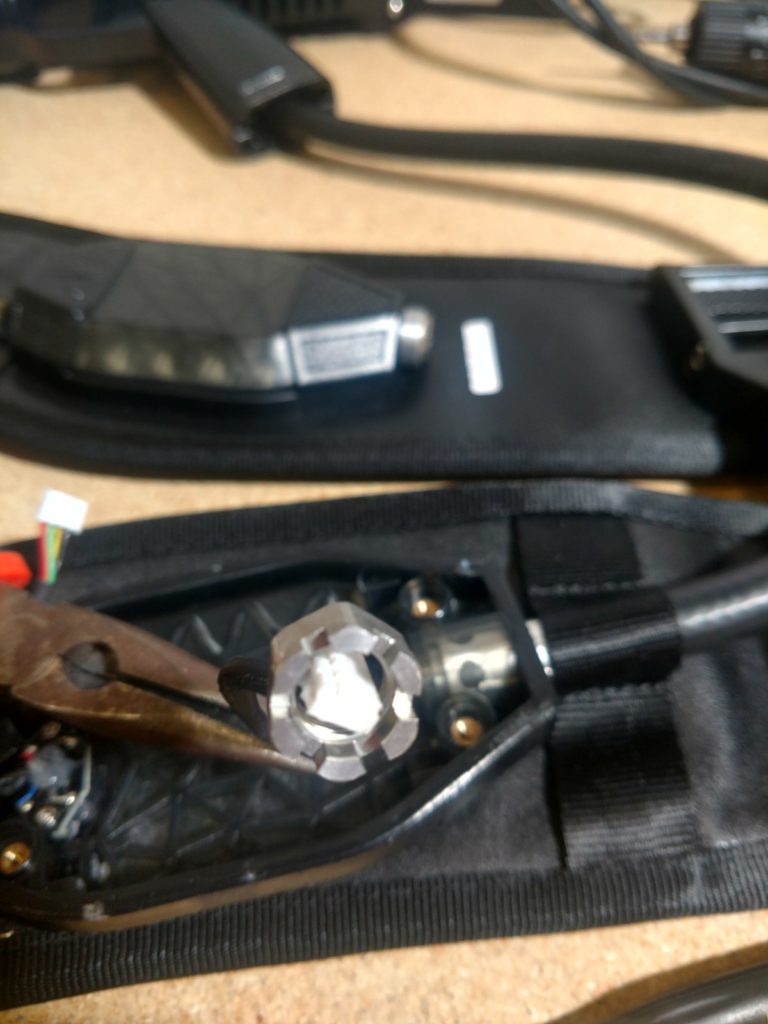
9. Pull power hose cable out of vest.
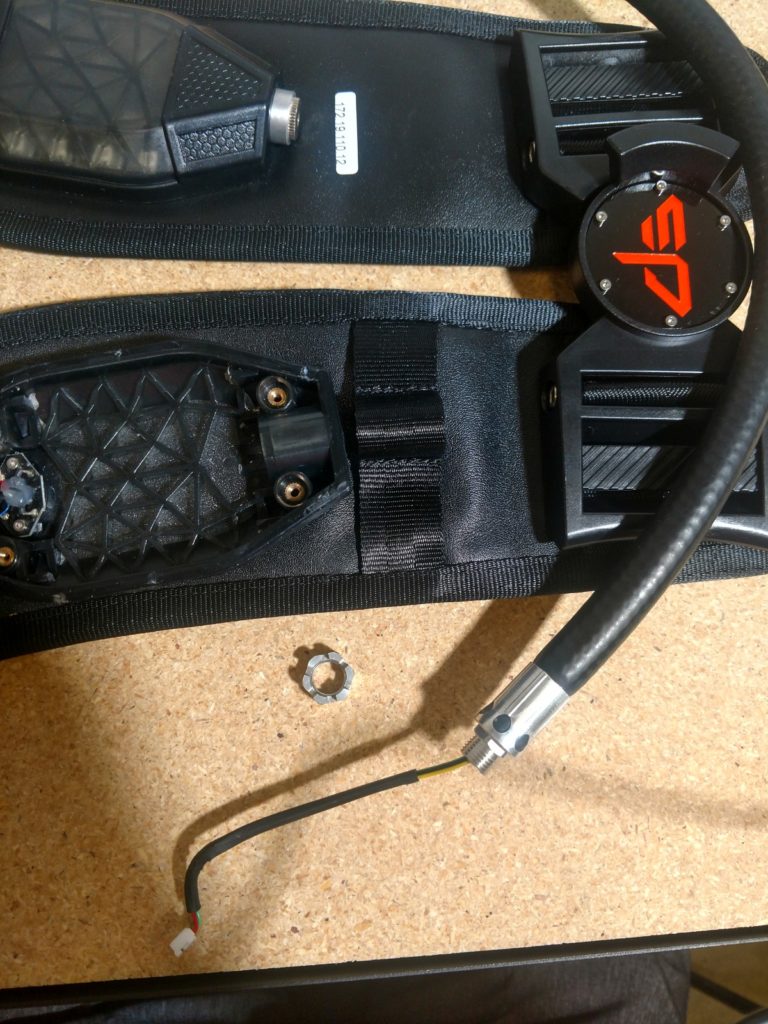
10. Reinstall new hose cable following the process in reverse.