How to: Restart your Game Server
Sometimes you need to restart your game server when it is not running properly or if you have made a change on the game manager.
Your game server is an application that allows your lasertag system to function and operate lasertag. When first powering on your PC, locate your game server and start the application. The application will look like this.
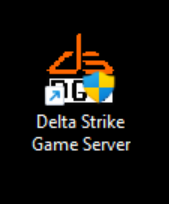
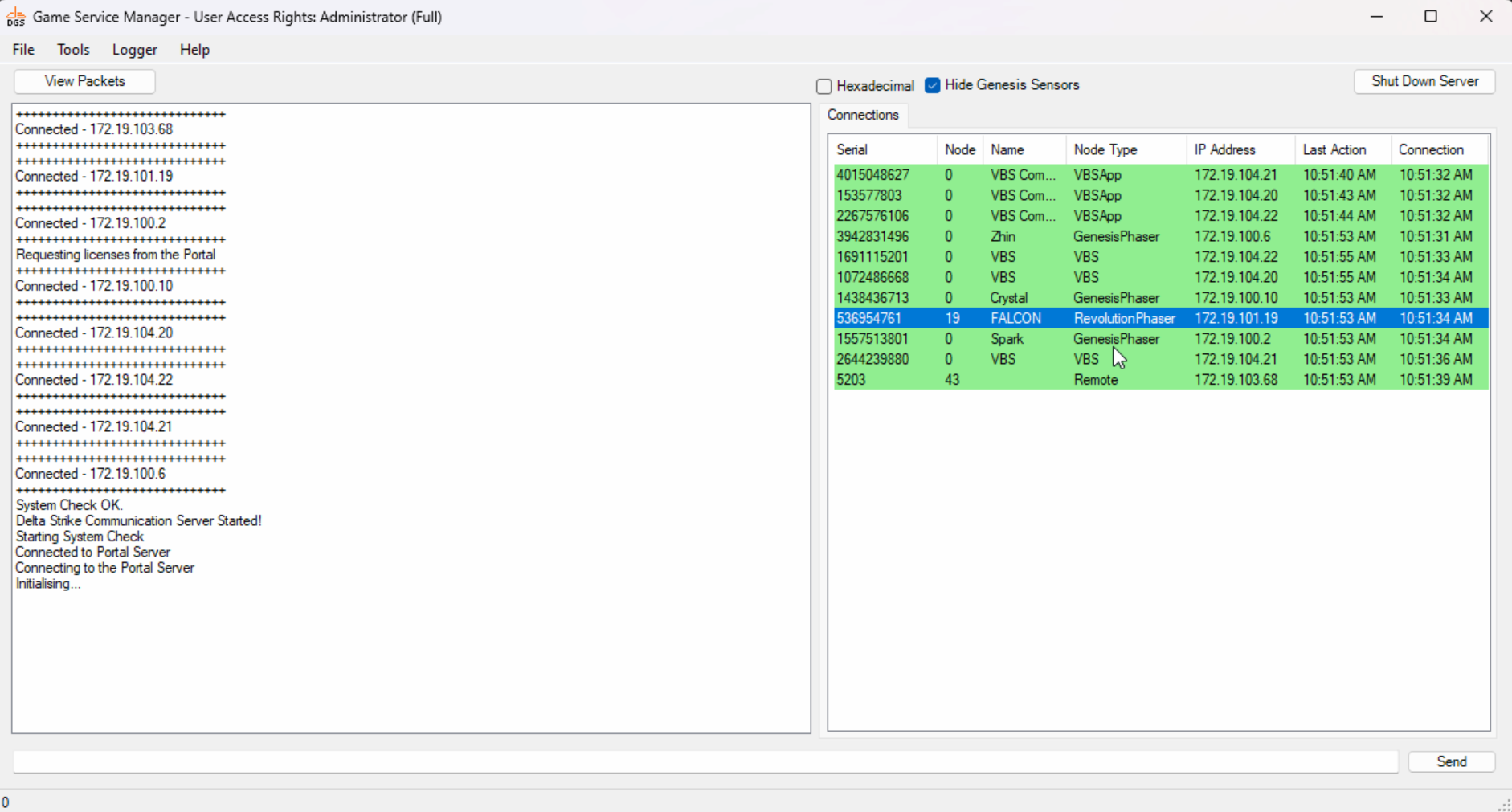
Double click the application to open the server. As the server boots up it is always good to wait for connections to appear.
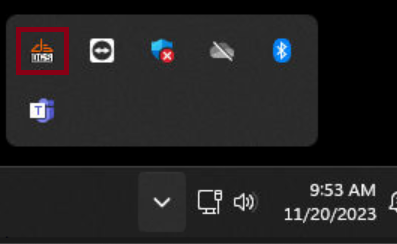
Anytime the server is minimized you can reopen it by locating it on the taskbar. This is shown in two locations.

To restart the server, open your game server and select Shut Down Server.

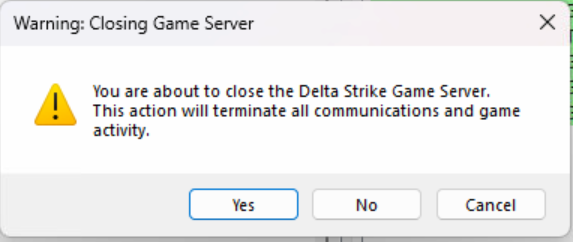
Once selected a pop up box will appear, select Yes.