
How to troubleshoot a UAC Target
In this guide you will learn how to change a UAC board, plug-in cable connections, and how to see if a UAC board is getting power, as well as making sure it is connected to the server.
UAC Types and Functions
A UAC can function as a target, energy gate, hex base, or for a custom sound prop.
- UAC Energy Gate - energy gate
- UAC Target - target
- UAC Hex Base - hex base
- UAC Target Prop
UAC board versions
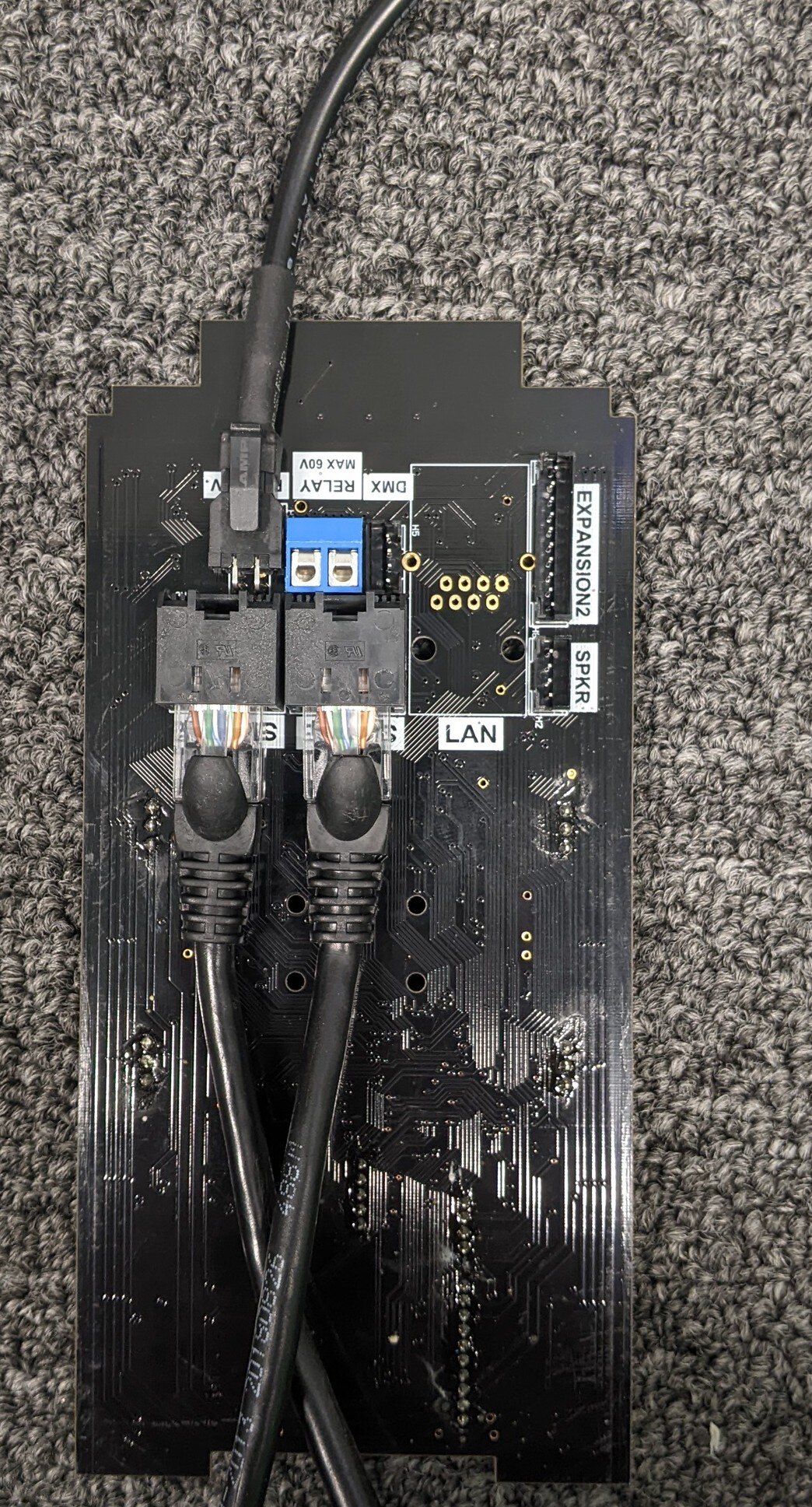
There are two types of UAC boards. The master and the aux. The master has the Wi-Fi module and where you will plug in the power cable. The aux will be used when daisy changing off of the master with a ethernet line.
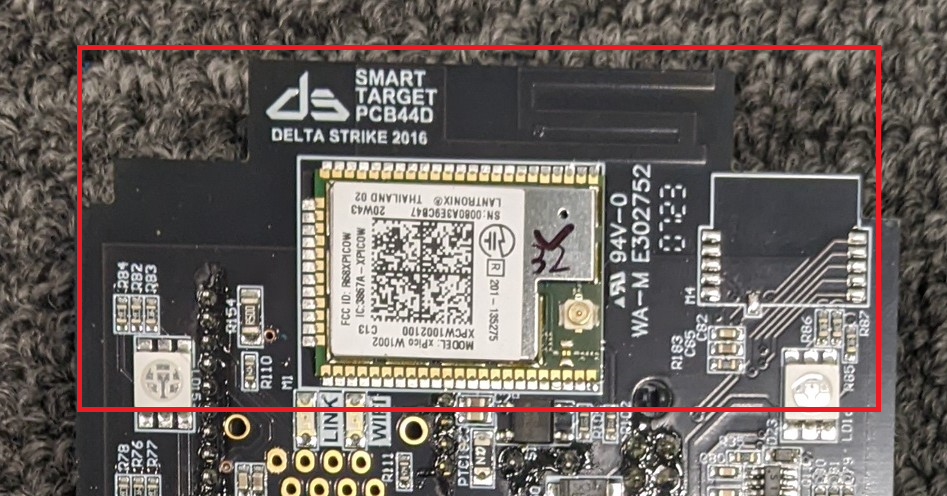
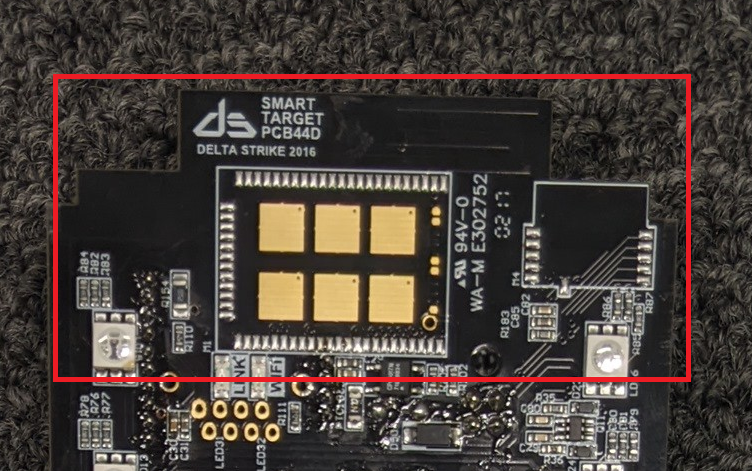
Opening the UAC and replacing the board
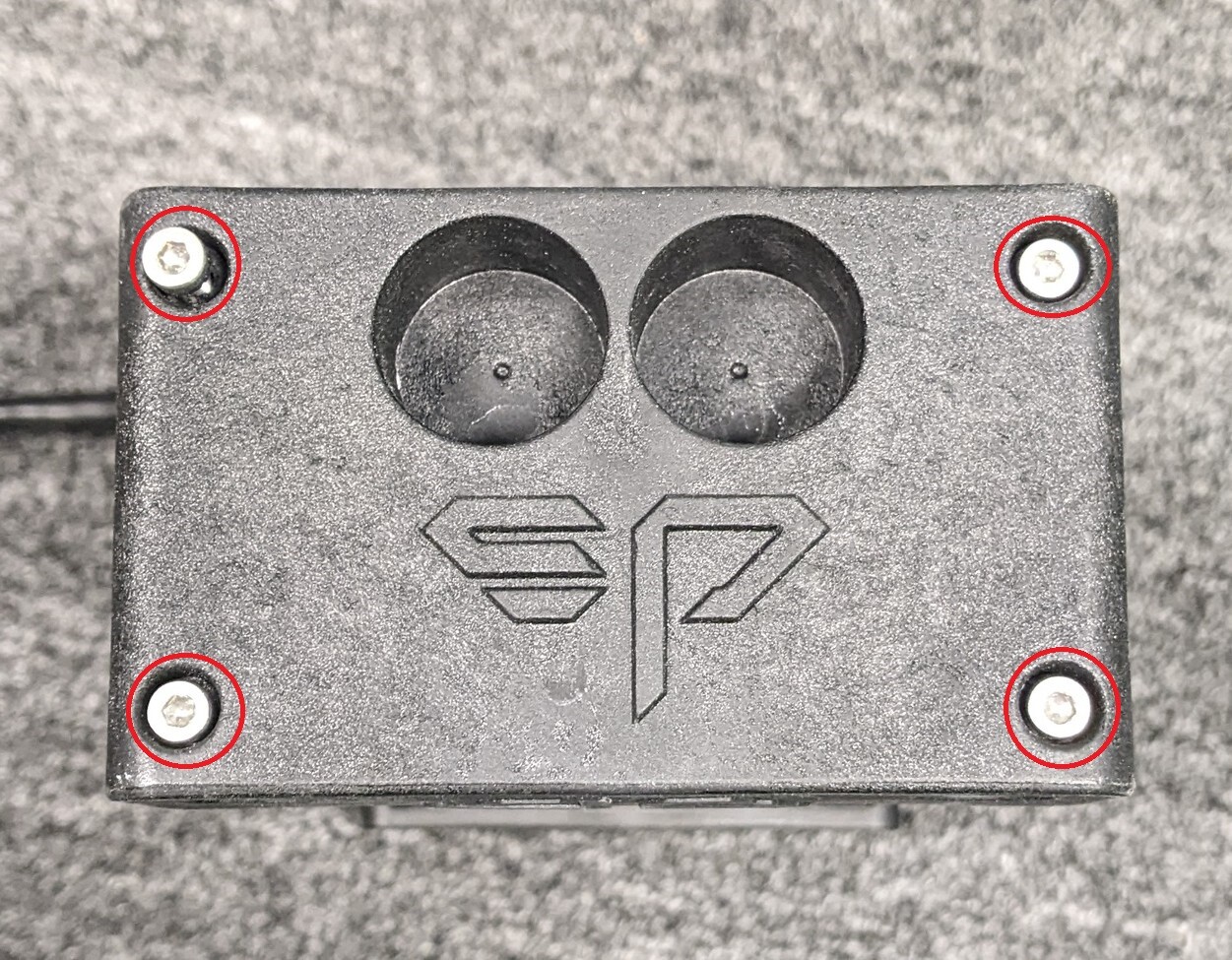
To open the UAC target you will need to remove the top cover by undoing the 4 screws.
Next, pull the UAC board straight up and out. Do not pull too fast or the speaker wire could get damaged.
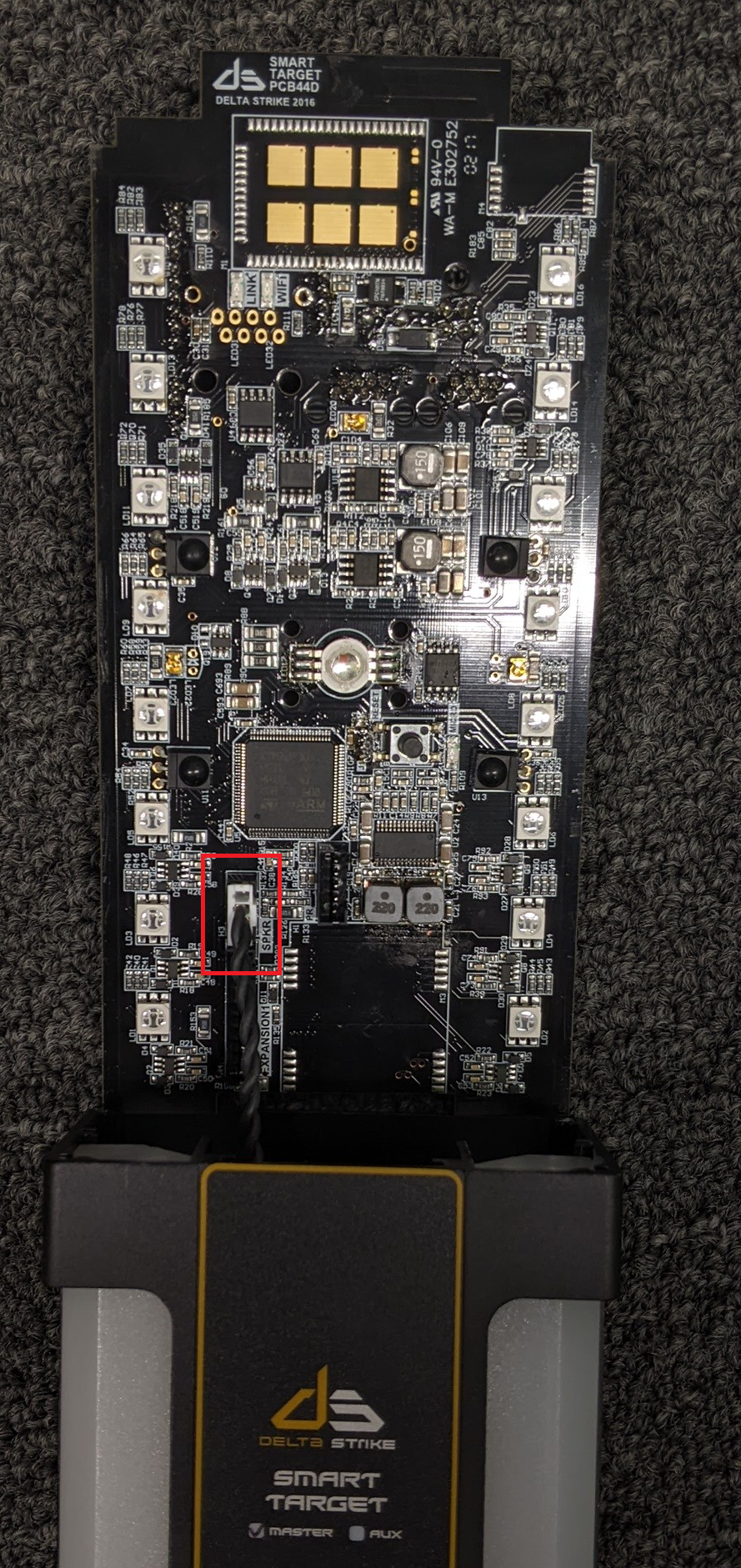
Unplug the UAC board and you can now replace it with a new one.
Connecting the wires
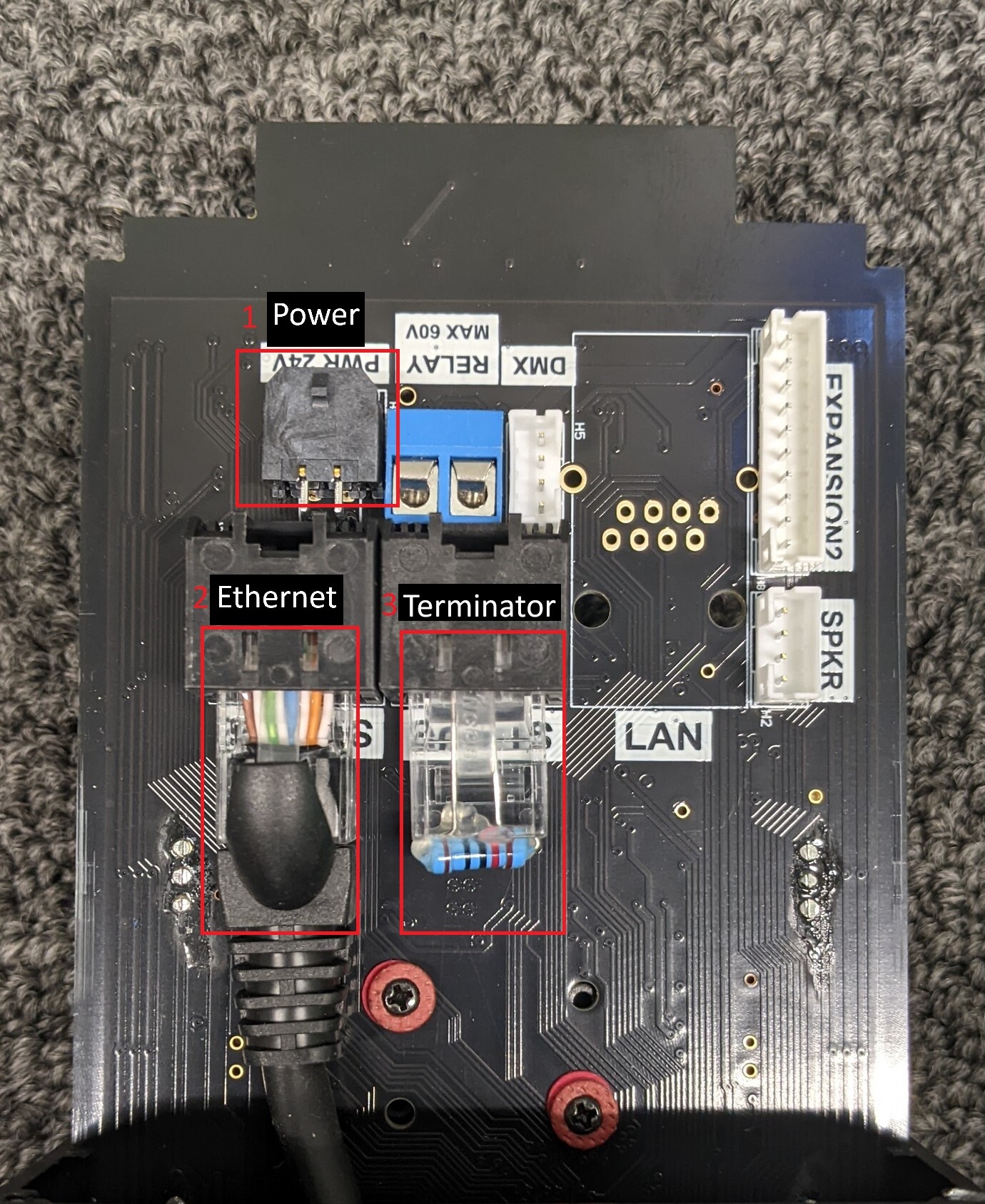
There are a few ways to setup your UAC board connections. If it is a single target you will only need the master board, a power cable and two terminators. If you are connecting an aux board to the master you will then need an ethernet line. You always want to make sure there is a RJ45 plugged into an open port.
-
Power
-
Ethernet
-
Terminator
How to verify the UAC is powered on
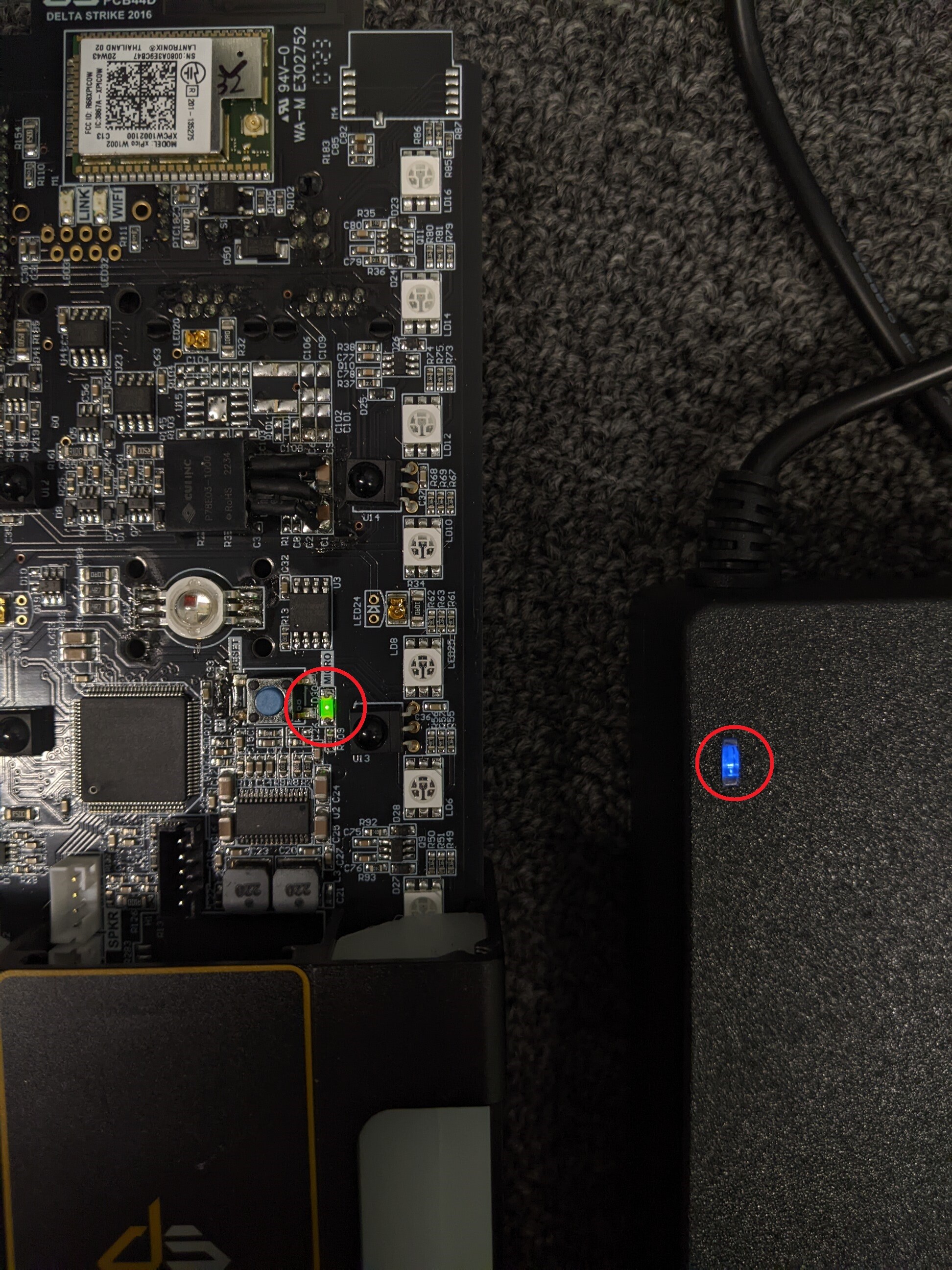
When you first power on the UAC master, and any AUXs connected to it, the LEDs will flash white. Once connected to the game server the LEDs will go off. You can make sure the UAC board has power by checking for the small green LED and making sure the power brick is getting power.
- Make sure the target is on
- Make sure the target speaker is not damaged
- Replace parts as needed
- If used for a custom prop and the target is on the server and you can tag it, please contact a Delta Strike Support member.
Not Taggable
- Make sure it is on
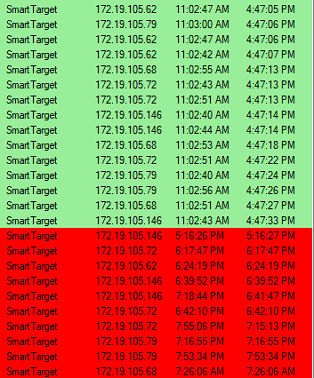
- Check the game server connection
- Replace parts as needed
Not powering on
- Check the target is plugged into power
- Make sure the power brick has power
- Make sure the 24v connector on the UAC master is plugged in the right way
- Replace parts as needed