
My Phaser Vibrator Isn't Working
This article will help you replace the vibration module in the genesis vest.
Genesis – How to replace: Phaser Vibrator – MD2005
| Part Name: | Genesis Phaser Vibrator |
| Part Number: | MD2005 |
| Model: | Genesis Pro / Genesis FEC |
Start by powering off the phaser by inserting the key into the slot in the back sensor. The phaser is off when all the lights have turned off.
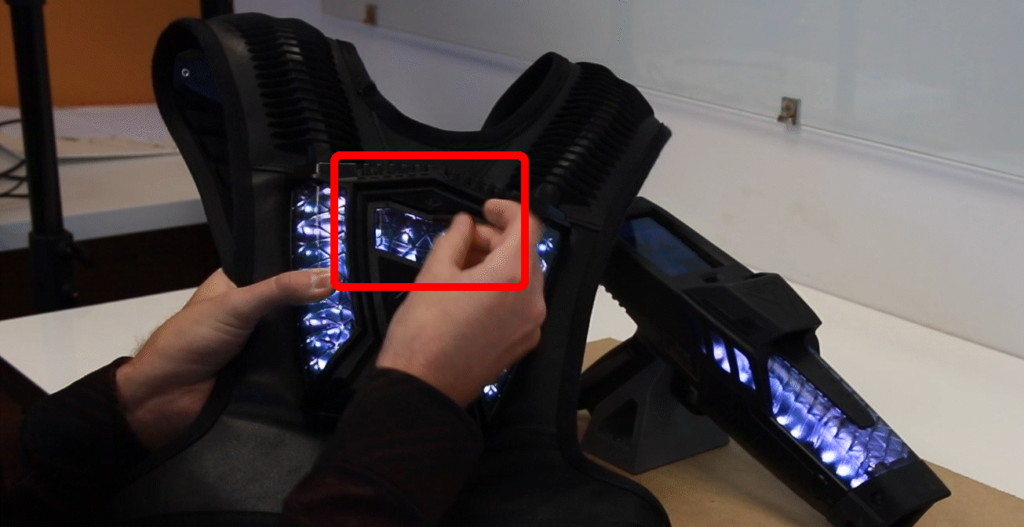 Always power off the unit before performing maintenance.
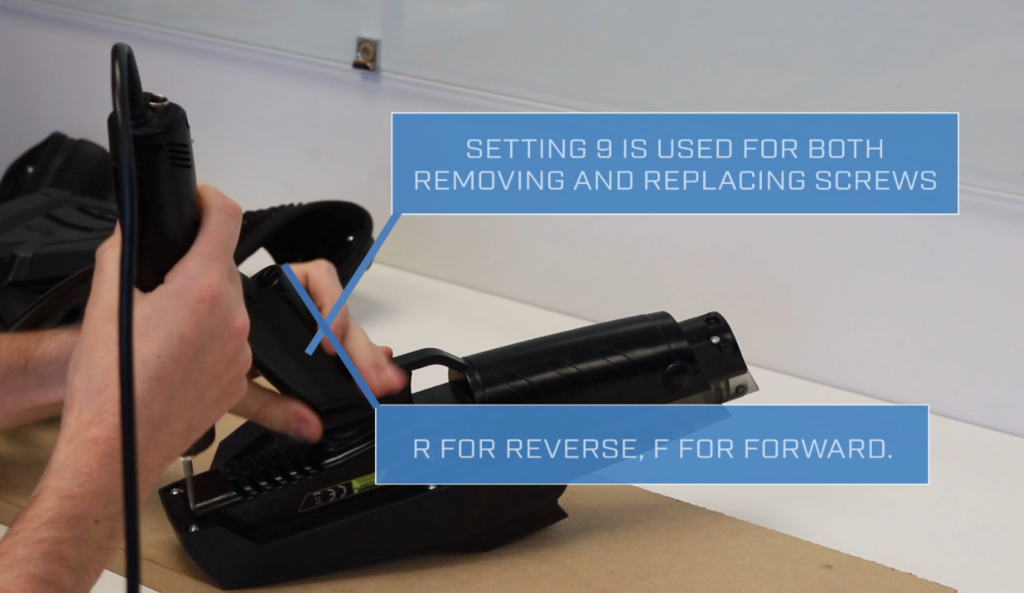
Remove the nozzle with a screwdriver or the head of the hex driver by slotting in into the gap at the front of the phaser. Then use the hex driver to unscrew the 6 hex screws on the bottom of the phaser. Ensure that the hex driver is set to 9 and is set to the reverse direction. The top plastic enclosure should now easily pull away.
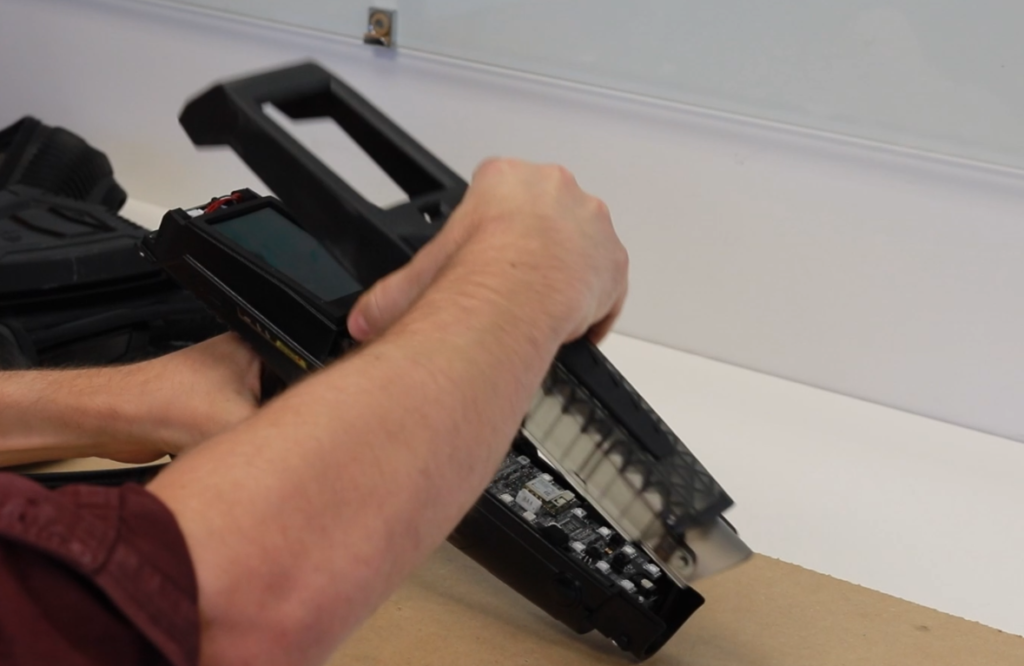
Remove the main board by pulling back on the LCD screen, while gently supporting the front of the PCB. Set the main board to the side of the phaser while you carefully pull out the cables inline with the direction of the plugs. Slide out the NFC reader if you have a pro system.
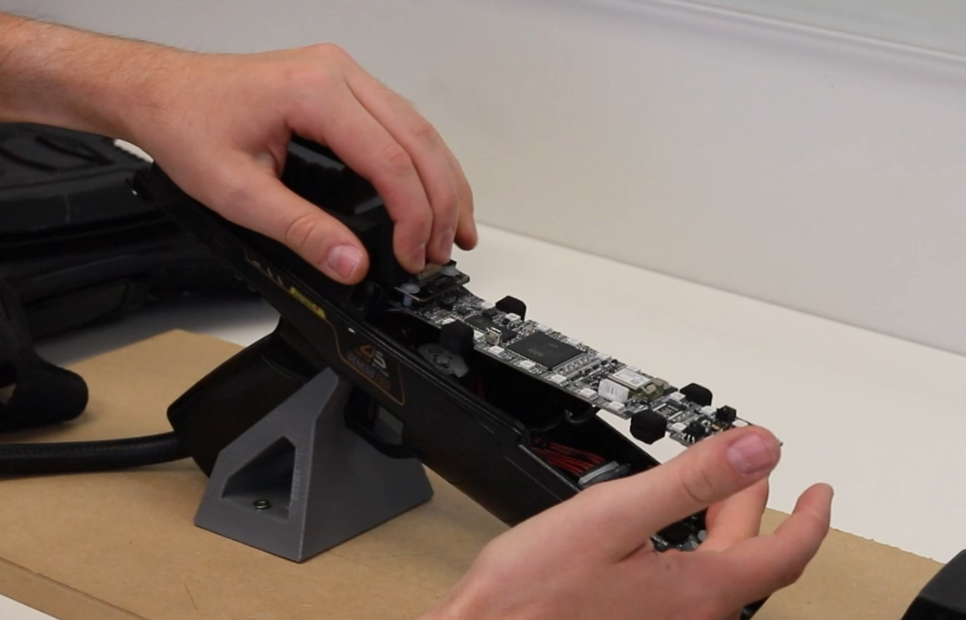
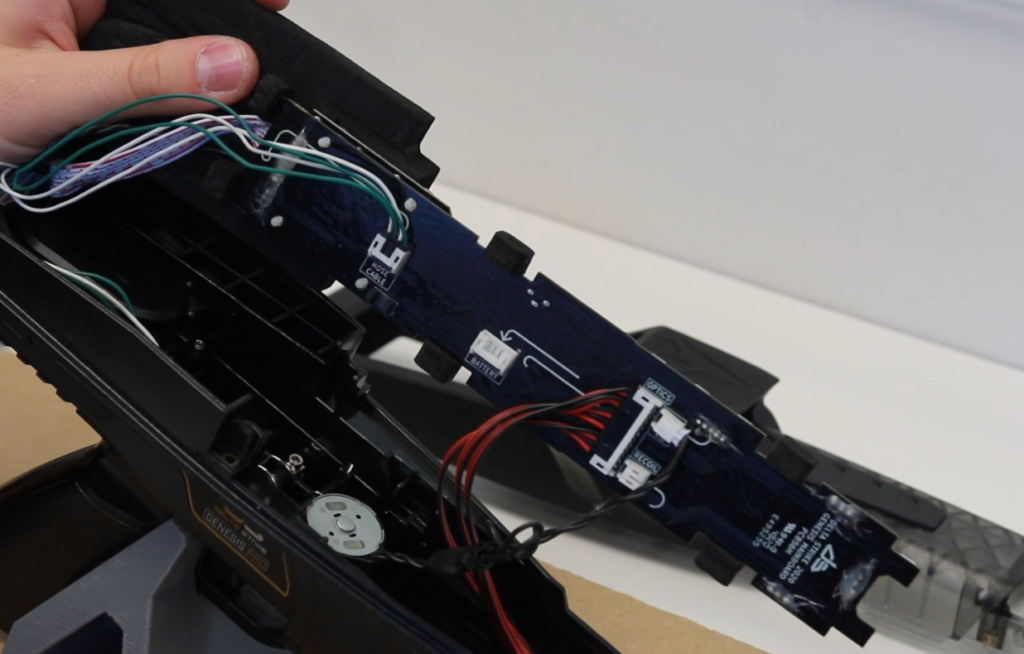
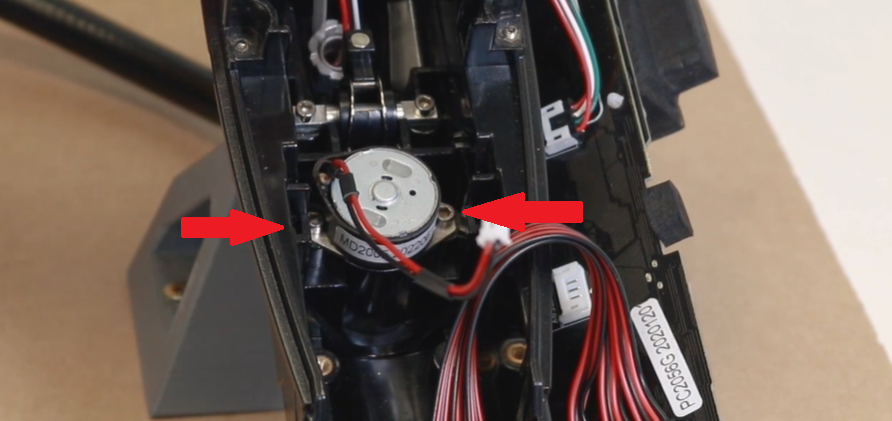
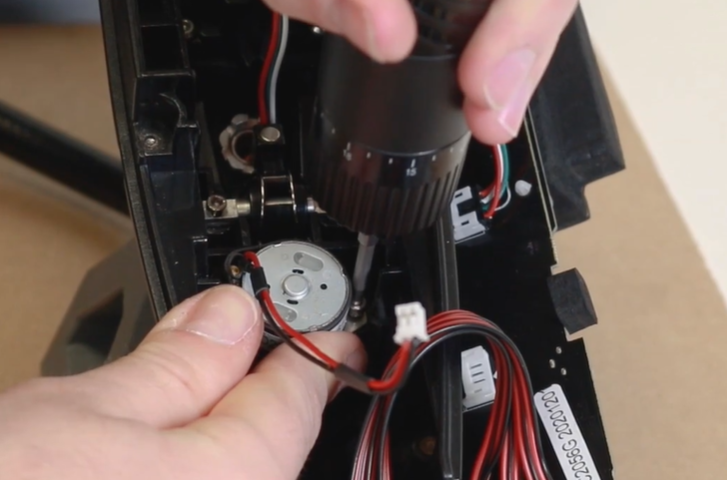
The vibrator is held in place with 2 screws. These screws are not captive, so keep these aside. Unscrew them using setting 9 and reverse on the hex driver. Be careful when removing the vibrator, as it can get caught on the trigger spring.
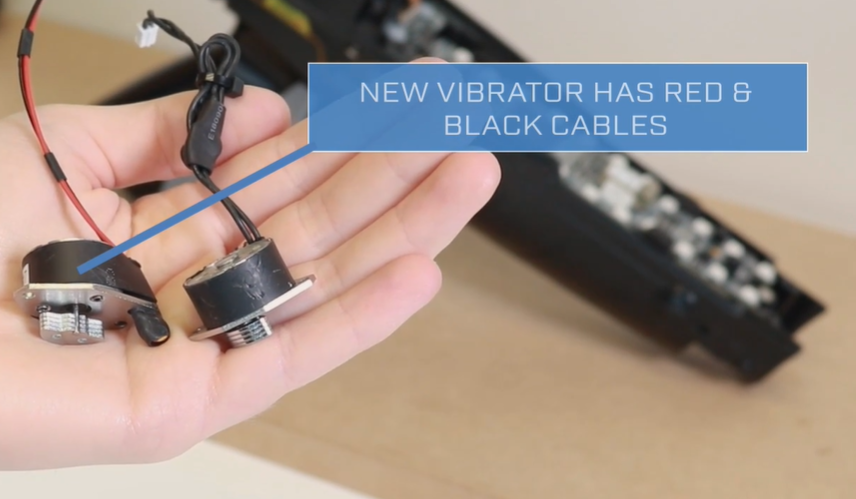
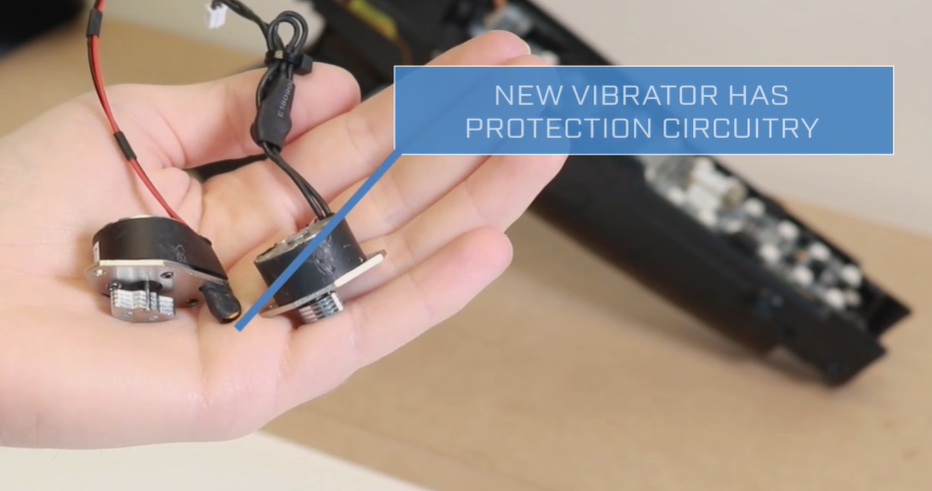
There are two different varieties of vibrators: The older one has a longer cable and the newer one has red a black cables. The new vibrator also has protection circuitry. We always want to install the new version.
To install, seat the module, then fasten the screws. (setting 9, direction F)
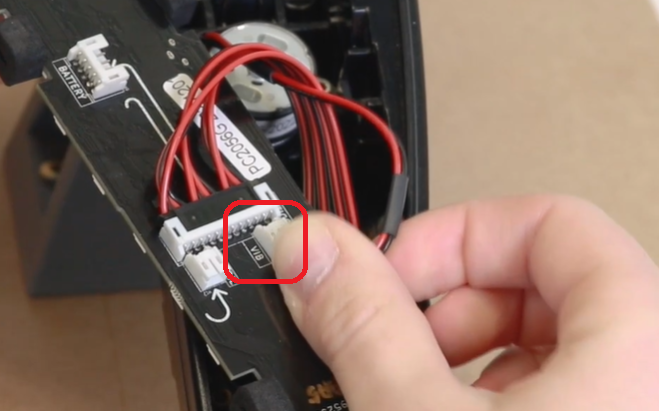
To finish the installation, plug the vibrator into the socket on the mainboard labeled VIB.
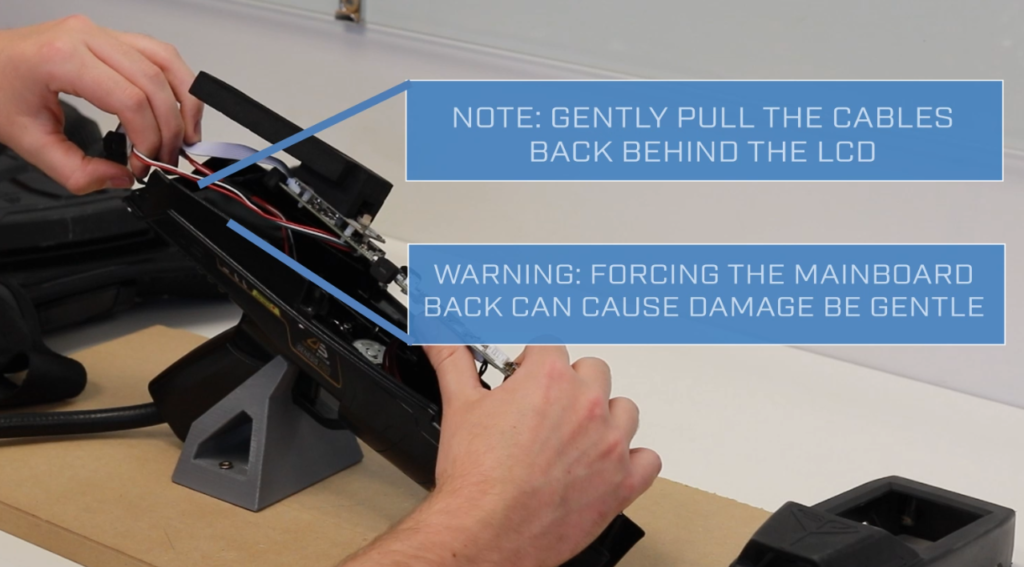
Re-seat the mainboard by inserting the cables from back to front, ensuring that no cables are being pinched or strained when the mainboard is placed back into its cavity.
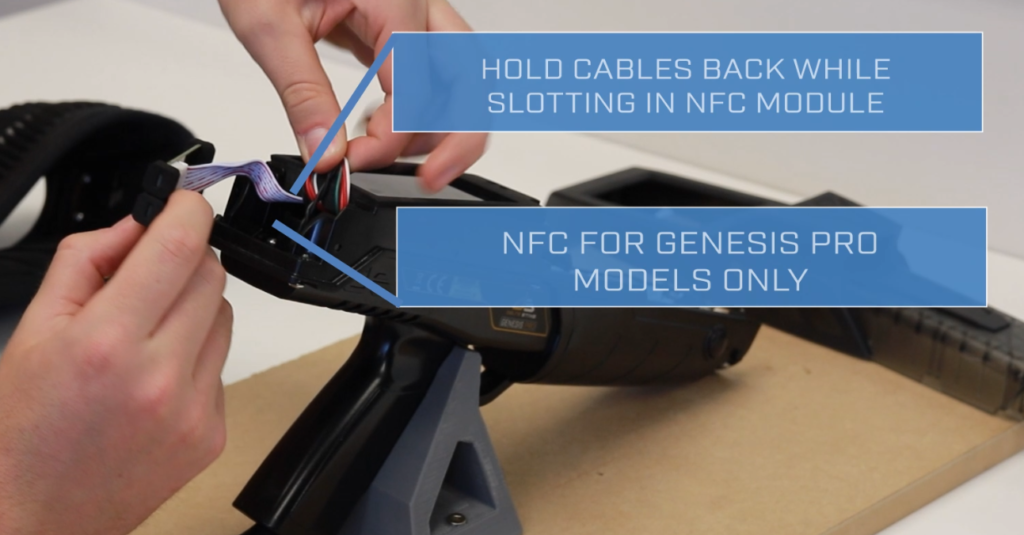
Once the cables are securely tucked away, insert the NFC module. You can now reattach the top part of the enclosure using the hex driver.